HTTP Status Codes
HTTP 407 Proxy Authentication Required
Proxy Authentication Required — client must authenticate with a proxy before forwarding the request
407 is the proxy equivalent of 401 Unauthorized. The server returns a Proxy-Authenticate header specifying the authentication scheme the client must use.
Visual summary
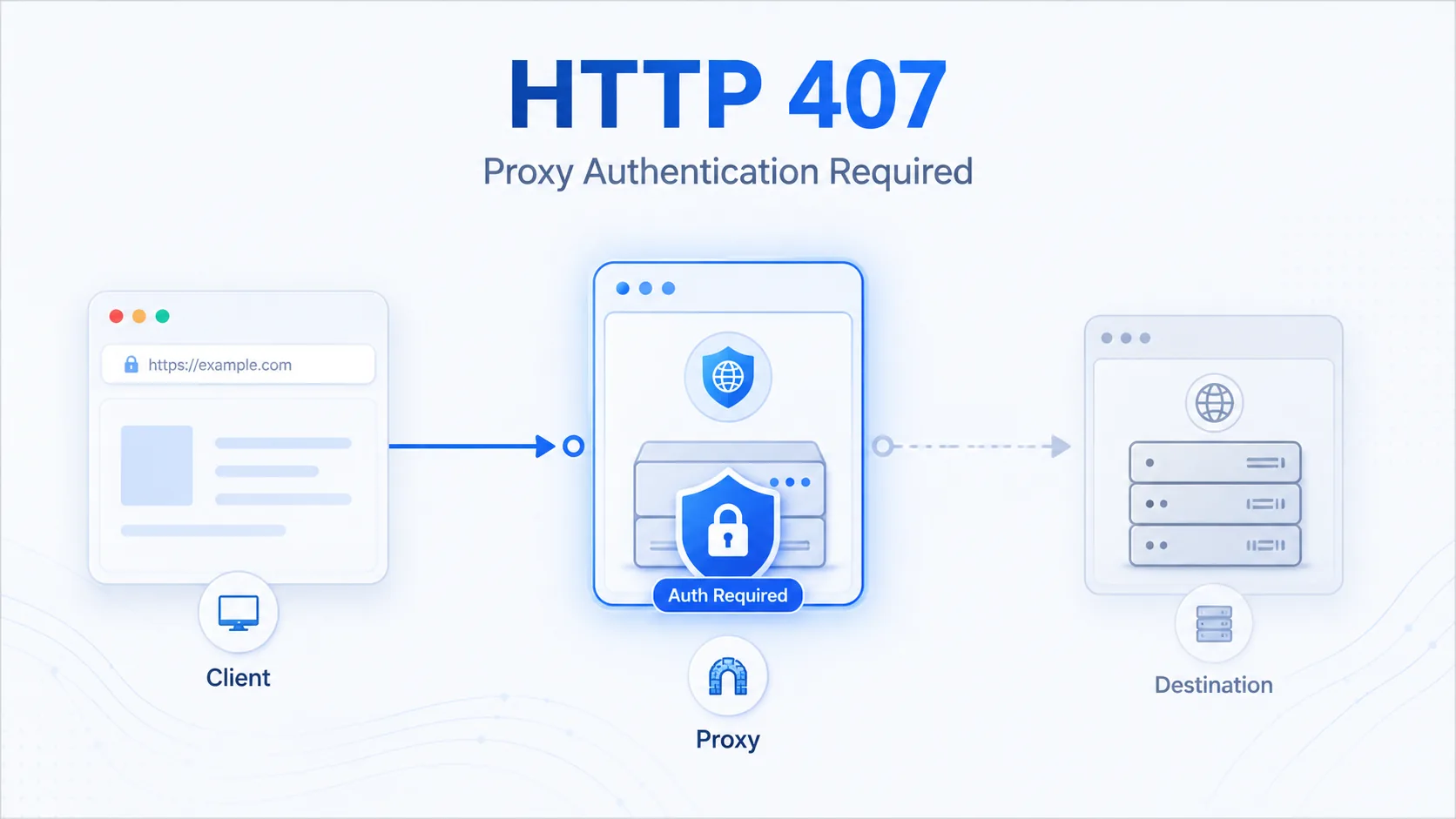
A quick reference view of how HTTP 407 works: A middleman proxy blocking the path and demanding credentials before forwarding traffic.
What 407 Means
The shortest useful reading of this status code.
Proxy Authentication Required means client must authenticate with a proxy before forwarding the request.
This status falls into the 4xx class, indicating a client-side error outcome for the request.
Quick read
Proxy Authentication Required
client must authenticate with a proxy before forwarding the request
Technical Context
How this status behaves without turning the page into a repair guide.
Standard usage
When a client request passes through an intermediate proxy, that proxy may require authentication before forwarding the request. HTTP 407 signals this requirement by returning a Proxy-Authenticate header.
Technical nuance
Unlike 401, which is returned by the origin server and handled transparently by browsers, 407 is often harder for users to diagnose because it involves network infrastructure rather than the destination server.
Related HTTP Codes
Nearby HTTP status codes help clarify how 407 differs inside the same response family.
407
Proxy Authentication Required
client must authenticate with a proxy before forwarding the request
401
Unauthorized
valid authentication credentials are missing for the target resource
403
Forbidden
the server understood the request but refuses to authorize it
400
Bad Request
the server cannot process the request because it is malformed
Common Causes
Missing or expired proxy authentication credentials
A common condition that triggers a 407 response when the web server evaluates the transaction.
Client not configured to supply proxy auth headers
A common condition that triggers a 407 response when the web server evaluates the transaction.
Proxy server requires credentials that the client has not provided
A common condition that triggers a 407 response when the web server evaluates the transaction.
Typical Scenarios
Enterprise networks with authenticating proxies requiring user credentials
API clients not configured with proxy authentication settings
Automated scripts bypassing corporate proxy authentication
What To Know
A 407 error is always between the client and an intermediate proxy, not the origin server. The origin never sees the request until proxy authentication succeeds, making this a network infrastructure issue rather than an application problem.
Frequently Asked Questions
Common interpretation questions about HTTP 407.
401 means the origin server requires authentication. 407 means an intermediate proxy requires authentication before the request reaches the origin server.