HTTP Status Codes
HTTP 204 No Content
No Content — the request was successful but there is no content to return
A 204 No Content status means the server successfully fulfilled the request and that there is no additional content to send in the response payload body. It is often used for 'save' actions where the UI doesn't need to change.
Visual summary
A quick reference view of how HTTP 204 works: A successful transaction that yields an empty response body.
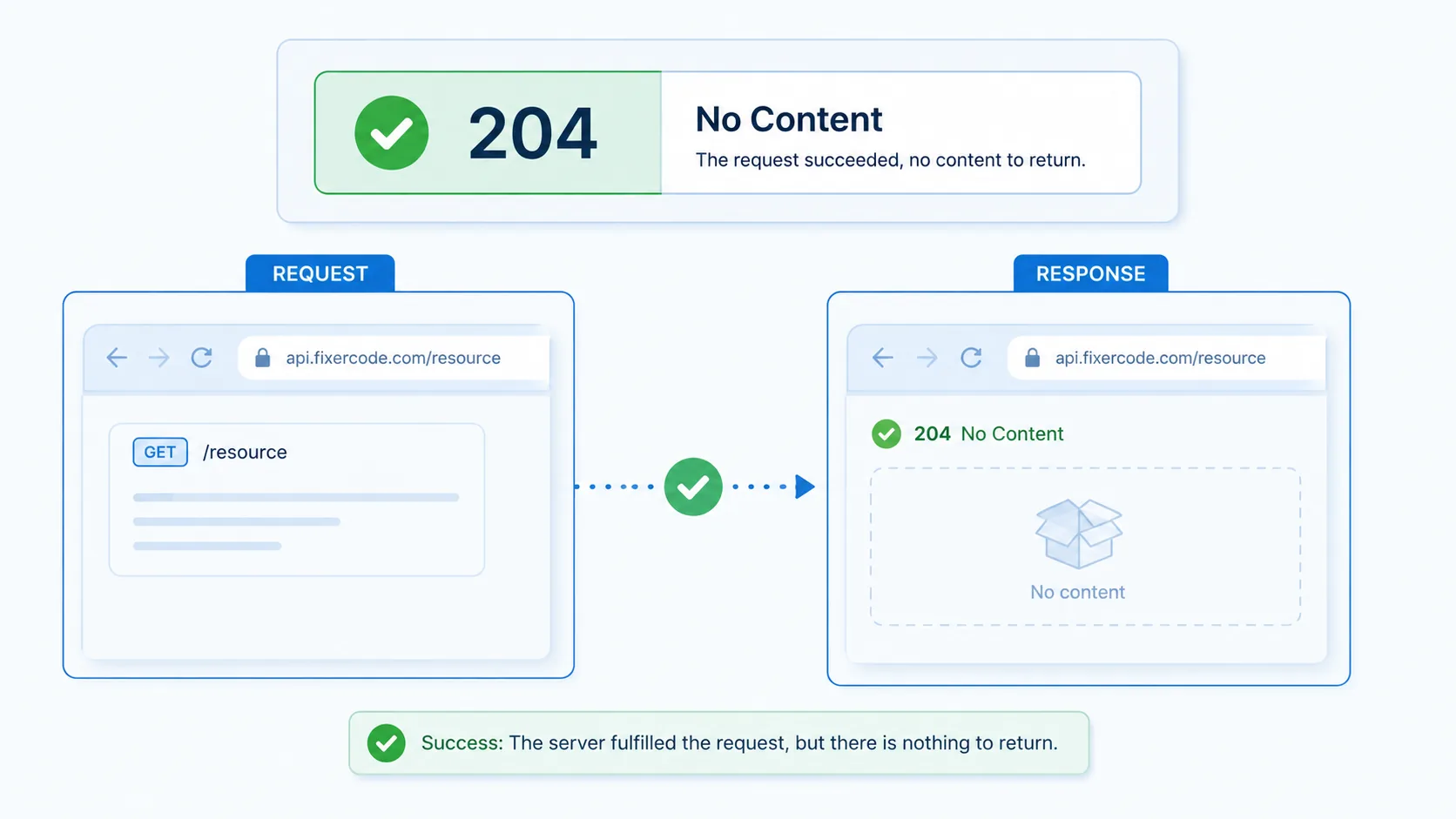
What 204 Means
The shortest useful reading of this status code.
No Content means the request was successful but there is no content to return.
This status falls into the 2xx class, indicating a successful outcome for the request.
Quick read
No Content
the request was successful but there is no content to return
Technical Context
How this status behaves without turning the page into a repair guide.
Standard usage
The 204 No Content status indicates that the server has successfully fulfilled the request and that there is no additional content to send in the response payload body.
Technical nuance
This is the standard response for successful operations that do not require returning a representation of the resource, such as a DELETE request or a POST that updates a state without needing to show the result.
Related HTTP Codes
Nearby HTTP status codes help clarify how 204 differs inside the same response family.
204
No Content
the request was successful but there is no content to return
200
OK
the request succeeded and the server returned the expected response
201
Created
the request was successful and a new resource was created
205
Reset Content
the server asks the client to reset the document view
Common Causes
Successful DELETE request where no body is required in the response
A common condition that triggers a 204 response when the web server evaluates the transaction.
PUT or POST update where the client already has the current state
A common condition that triggers a 204 response when the web server evaluates the transaction.
Automated tracking pings or beacons that only require acknowledgement
A common condition that triggers a 204 response when the web server evaluates the transaction.
Typical Scenarios
A user deletes an item from a list and the server confirms with no extra data
A tracking script sends a pulse to the server and expects a minimal response
What To Know
Receiving a 204 status confirms the success of the operation. Since no response body is provided, the client remains on the current page or view without triggering a reload or navigation.
Frequently Asked Questions
Common interpretation questions about HTTP 204.
Yes, browsers interpret 204 by staying on the current page while acknowledging the background request was successful.