HTTP Status Codes
HTTP 413 Content Too Large
Content Too Large — the request body is larger than the server allows
A 413 Content Too Large response indicates that the server is refusing to process the request because the request payload exceeds the configured maximum size limit. Servers often use this to protect against denial-of-service attacks or disk exhaustion.
Visual summary
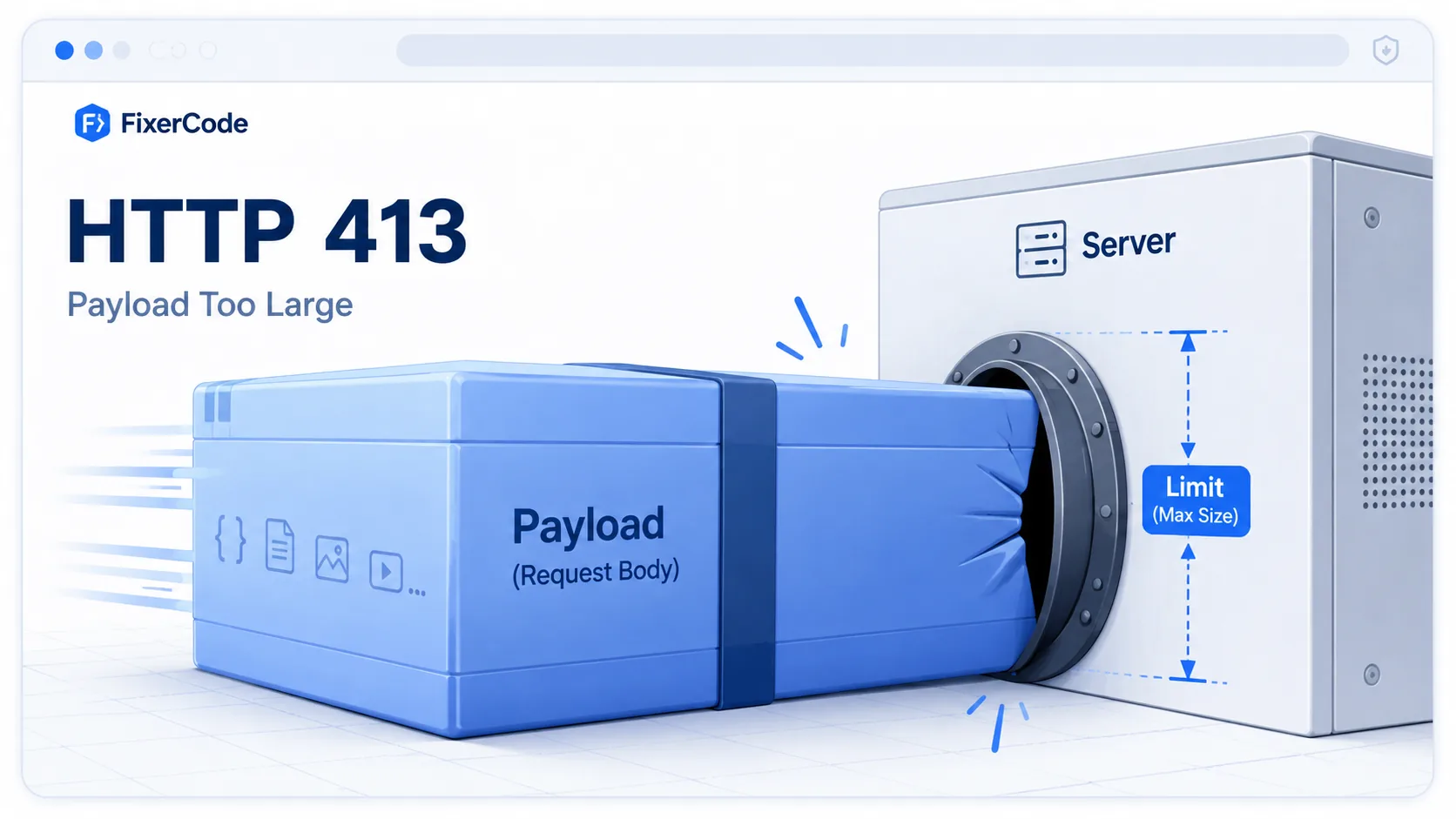
A quick reference view of how HTTP 413 works: A massive data package physically unable to fit through a standard-sized server intake port.
What 413 Means
The shortest useful reading of this status code.
Content Too Large means the request body is larger than the server allows.
This status falls into the 4xx class, indicating a client-side error outcome for the request.
Quick read
Content Too Large
the request body is larger than the server allows
How to fix 413
General informational guidance, not professional advice. Commands can affect your system or data — back up first and proceed at your own risk. FixerCode is an independent reference, not affiliated with any vendor mentioned.
Confirm the size limit is the cause
Send a request with the large body and read the status. A 413 returned before the app responds points to an edge or server limit.
curl -I -X POST --data-binary @bigfile https://example.com/uploadRaise the Nginx body size limit
Set a larger client_max_body_size in the relevant server or location block, then reload Nginx with nginx -s reload.
client_max_body_size 50m;Raise the application limit too
The framework usually has its own cap, such as PHP upload_max_filesize and post_max_size or an Express body limit. Increase it to match the server.
Use chunked or resumable uploads for big files
Very large payloads are better split into segments than pushed in a single request, which also avoids timeouts.
Technical Context
How this status behaves without turning the page into a repair guide.
Standard usage
The 413 status is fundamentally about capacity protection. Web architecture relies on boundaries to prevent single massive requests from monopolizing memory buffers or exhausting the available temporary storage of an application framework.
Technical nuance
In many cases, the backend application itself never generates the 413. Instead, a reverse proxy or load balancer interrupts the data stream and rejects the transmission at the edge to preserve system performance.
Implementation detail
Servers may optionally include a Retry-After header with a 413 response. This is generally used in temporary throttling scenarios to indicate when the client might be allowed to retry the large submission.
Related HTTP Codes
Nearby HTTP status codes help clarify how 413 differs inside the same response family.
413
Content Too Large
the request body is larger than the server allows
400
Bad Request
the server cannot process the request because it is malformed
411
Length Required
the server requires a valid Content-Length header
414
URI Too Long
the requested URL exceeds the server length limit
Common Causes
Uploading an exceptionally large video or image file
A common condition that triggers a 413 response when the web server evaluates the transaction.
Sending bulk API payload data exceeding allowed chunk limits
A common condition that triggers a 413 response when the web server evaluates the transaction.
Nginx client_max_body_size directive is exceptionally restrictive
A common condition that triggers a 413 response when the web server evaluates the transaction.
Exceeding strict proxy limits on maximum request body size
A common condition that triggers a 413 response when the web server evaluates the transaction.
Typical Scenarios
A user attempts to upload a raw 4K video file to a system designed for small profile pictures
A developer mistakenly posts a multi-gigabyte JSON dataset to a simple analytics API
An Nginx reverse proxy blocks an upload before it reaches the backend application
What To Know
A 413 is almost always tied to explicit configuration thresholds. For developers, encountering this means a server limit like client_max_body_size must be raised, or the client application must implement data chunking to stream the payload in manageable segments.
Frequently Asked Questions
Common interpretation questions about HTTP 413.
Resolution involves either reducing the file size or increasing the maximum allowed request body size in the server's configuration limits.
Yes. Older specifications referred to it as Payload Too Large or Request Entity Too Large, but the modern RFC simply names it Content Too Large.
No. A 413 specifically refers to the request body payload. If headers or cookies are too large, the server will usually return a 431 or 494 error instead.
413 means the request body is too large -- the data being sent to the server exceeds its size limit. 414 means the URL itself is too long -- the address of the resource exceeds the server maximum length. They target different parts of the HTTP request: 413 is about payload size, 414 is about URL length.