HTTP Status Codes
HTTP 207 Multi-Status
Multi-Status — the response contains status information for multiple resources
The 207 status originates from the WebDAV extension and is used when a single request targets several resources at once. Each sub-resource carries its own individual status inside the XML response body, allowing partial success to be reported accurately.
Visual summary
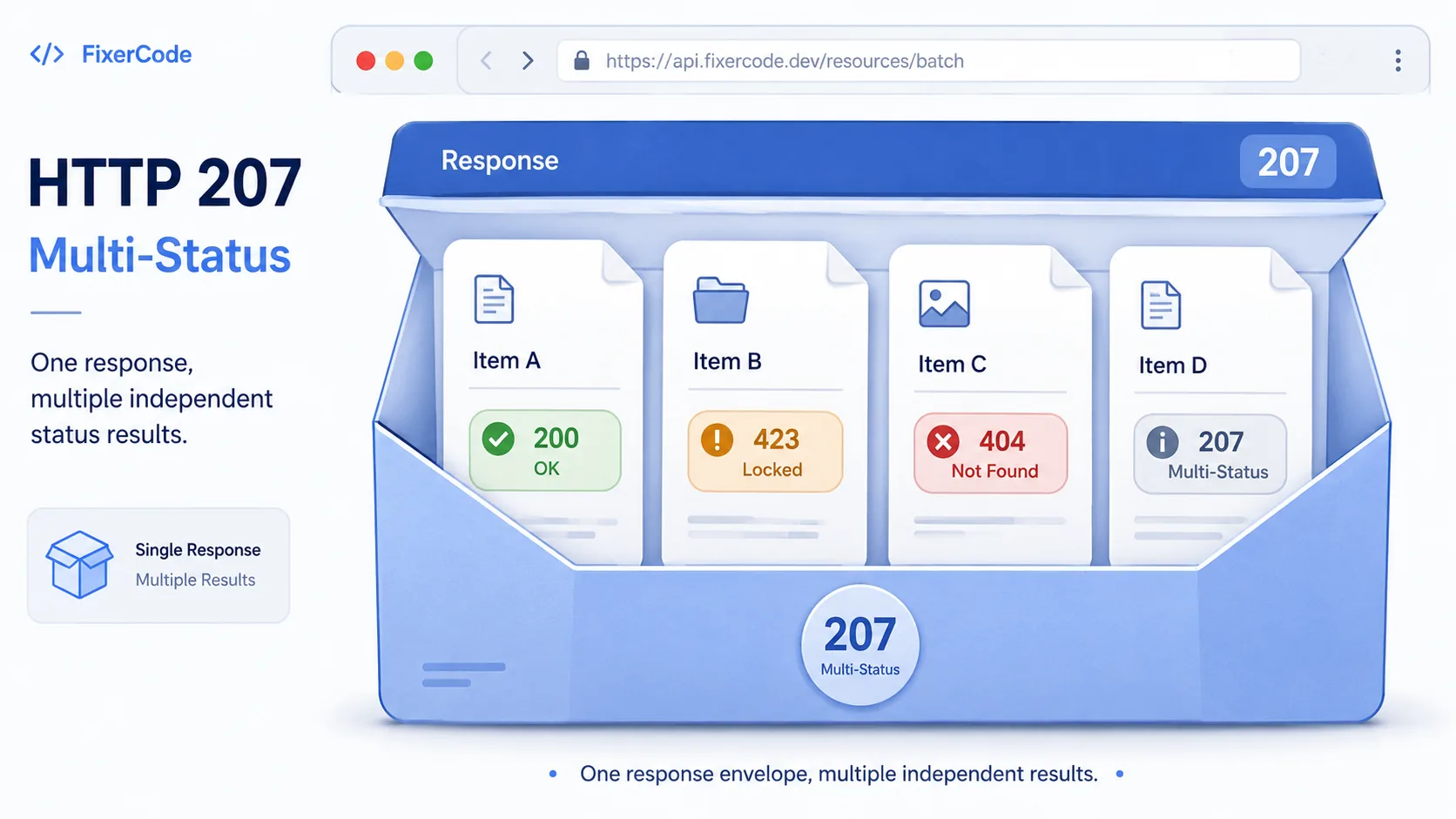
A quick reference view of how HTTP 207 works: A multi-part response package where each sub-item has its own status badge.
What 207 Means
The shortest useful reading of this status code.
Multi-Status means the response contains status information for multiple resources.
This status falls into the 2xx class, indicating a successful outcome for the request.
Quick read
Multi-Status
the response contains status information for multiple resources
Technical Context
How this status behaves without turning the page into a repair guide.
Standard usage
The 207 Multi-Status response is an extension defined by WebDAV. It allows a single HTTP response to carry individual status codes for multiple operations, typically in an XML body where each resource has its own status element.
Technical nuance
This approach avoids the ambiguity of returning a single status code for a batch operation where some items succeeded and others failed. Without 207, the server would have to choose between misleading the client with a blanket 200 or a blanket error code.
Related HTTP Codes
Nearby HTTP status codes help clarify how 207 differs inside the same response family.
207
Multi-Status
the response contains status information for multiple resources
200
OK
the request succeeded and the server returned the expected response
201
Created
the request was successful and a new resource was created
204
No Content
the request was successful but there is no content to return
Common Causes
A WebDAV batch operation returned mixed results across multiple resources
A common condition that triggers a 207 response when the web server evaluates the transaction.
A multi-resource request produced different outcomes for each item
A common condition that triggers a 207 response when the web server evaluates the transaction.
A bulk file operation succeeded for some items and failed for others
A common condition that triggers a 207 response when the web server evaluates the transaction.
Typical Scenarios
A file manager app creates three folders via WebDAV but one already exists, producing a mixed result
A calendar application updates multiple events in a single batch request to a CalDAV server
What To Know
A 207 response requires parsing the response body to determine the outcome of each sub-operation. The top-level 207 status alone does not confirm overall success or failure.
Frequently Asked Questions
Common interpretation questions about HTTP 207.
Not necessarily. A 207 response contains individual status codes for each sub-operation, and some of them may indicate failure. The response body must be inspected to determine each result.